Make updates easy
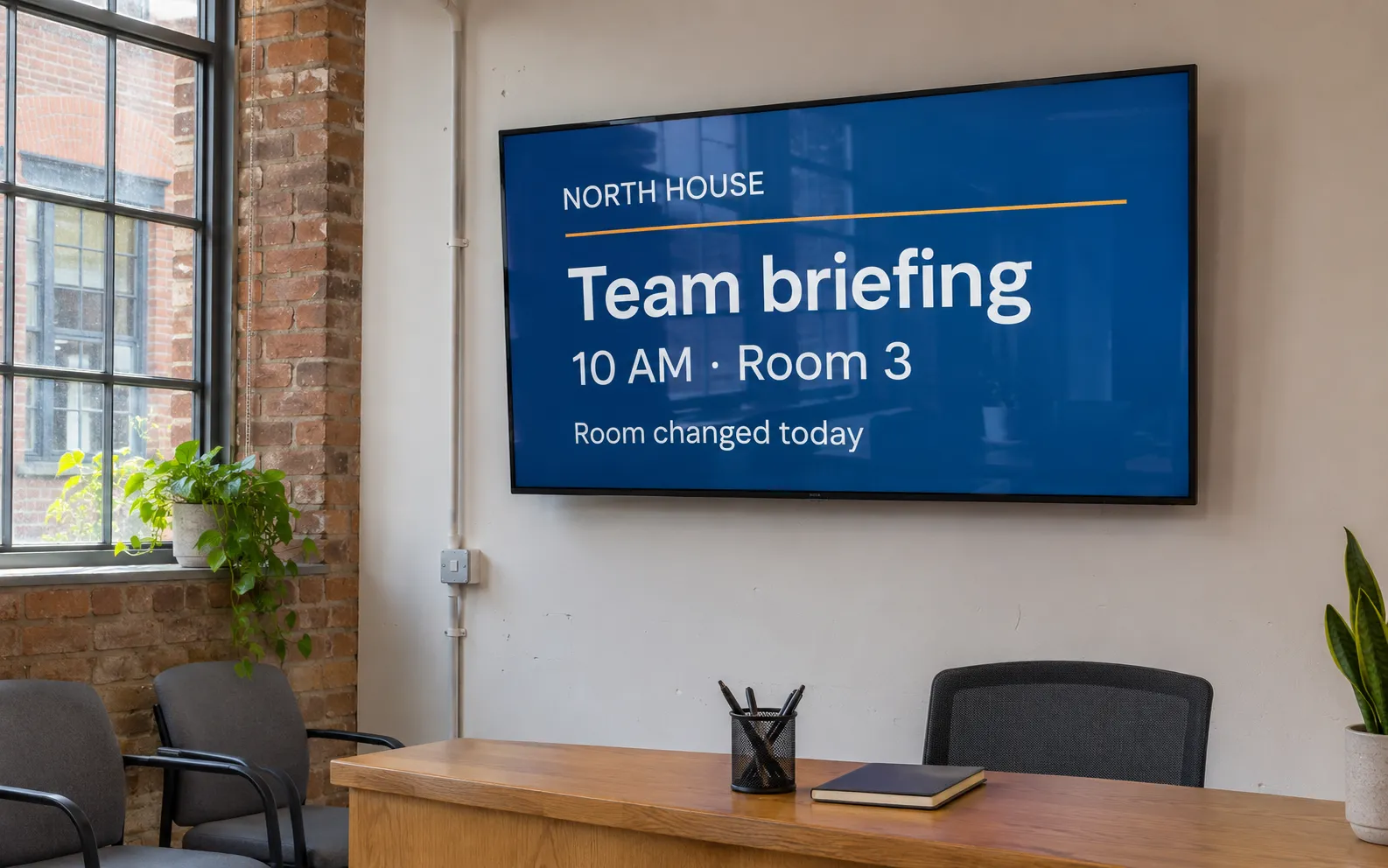
A room change, a new notice, or a corrected price should take a new upload, not another walk to the TV.
About TV Menus
A library notice, a building welcome, an event agenda, a menu. TV Menus gives you a simple way to change what people see, from a phone or laptop, without another trip to the screen.
Change the file from wherever you are. Leave the TV where it belongs.
Why TV Menus
A TV is the most visible sign a business has, and it is only useful while it is current. Specials change daily, events come and go, and a menu board is right only until the next price change. Updating it should take a minute, from wherever you are.
A notice or a schedule should not need a dedicated mini PC, another power supply, and a complicated setup. With a compatible Google TV, TV Menus installs directly on the television. It is already the player.
Keep using the tools you know to make your content. Export an image or video, upload it, and choose where it plays. When the information changes, send the new file from a phone or laptop.
Libraries, offices, shared buildings, events, shops, and restaurants all have something worth putting on a screen. TV Menus keeps that everyday task simple, whether you look after one TV or several.
Principles
A room change, a new notice, or a corrected price should take a new upload, not another walk to the TV.
See each screen's status and the playlist it is playing from one place, even when the TV is in another room or building.
Send a new image or video from the phone or laptop you already use. On a compatible Google TV, there is no separate player box to manage.