TVMenus

No player box. $8 a screen.

On a compatible Google TV, install TVMenus directly with no additional hardware. Every screen you pay for includes the TV app, the dashboard, image and video uploads, and as many changes as you like.

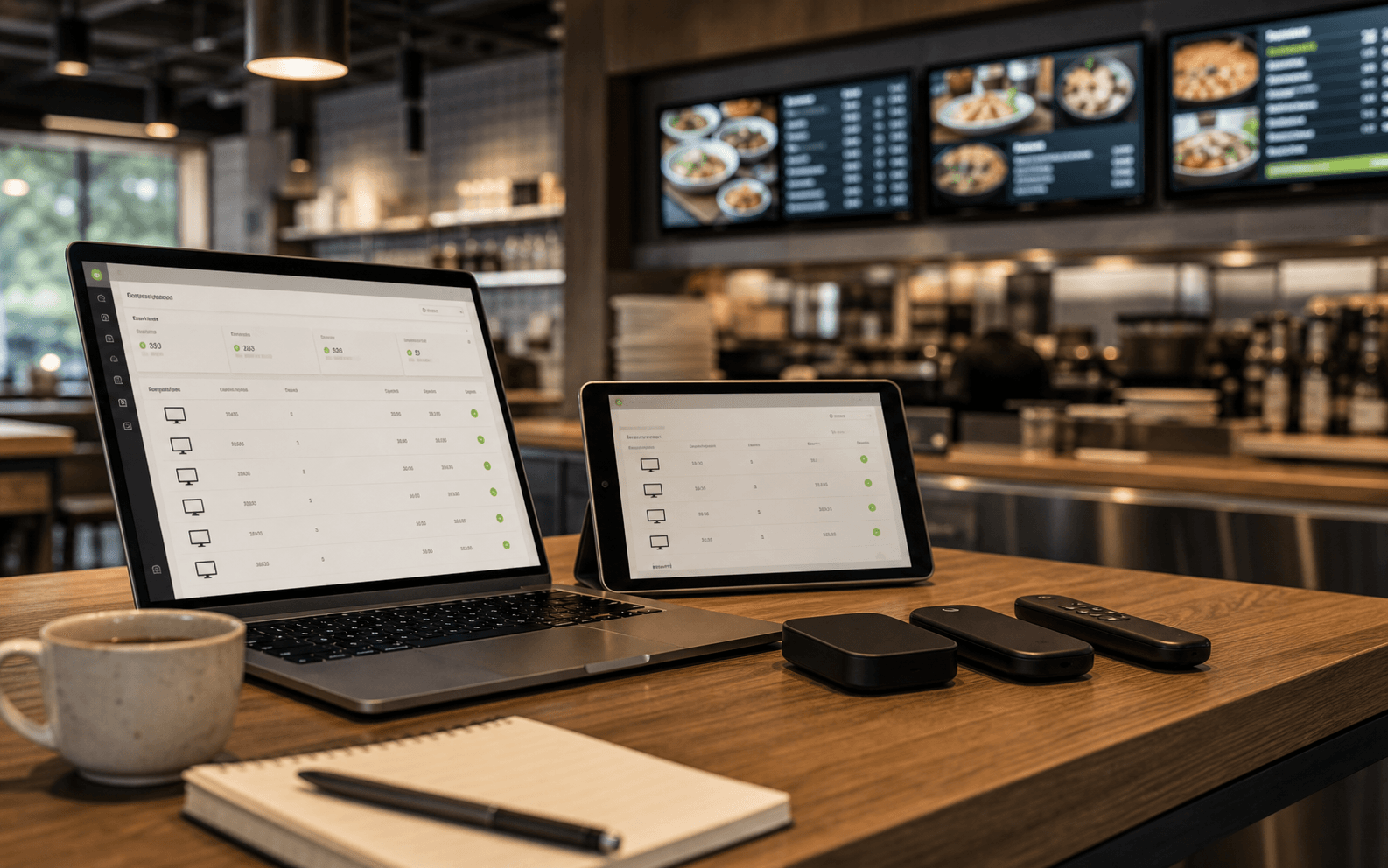
TVMenus screen-count planning dashboard on restaurant manager devices

$8/screen

That's the whole software price. Run 5 or more screens and every screen drops to $7 automatically. If compatible Google TV is already built in, there is no separate signage player to buy.

Pay yearly and it is $86.40 a screen a year, 10% off when you pay yearly.

Unpairing, disabling, or taking a TV offline does not change your purchased screen capacity or your bill. Screen reductions take effect at renewal. Your current paid access continues until then.

Choose a plan by screen count.

Every purchased screen includes the same features. Your subscription renews each month, or each year if you pay yearly, on the date it starts. The prorated difference for added screens is charged immediately for the rest of your current period. Your renewal date stays the same.

Build

$0for as long as you like, before your first TV

Sign up and build every menu you own with up to 100 MB of images. No card, no clock, images only. Your 14 days do not start until you connect a television, so nothing is spent while you are still setting up.

Start building

Per screen

$8per screen/month

Every screen you run is $8, or $86.40 a screen a year (10% off when you pay yearly). Video included with every screen, in 4K on a compatible 4K Google TV or streamer. Nothing of ours anywhere on your board, change what plays as often as you like, and 10 GB per screen, shared across your account.

Start a 14-day trial

Volume

$7per screen/month for 5 or more screens

Run 5 or more screens and every screen drops to $7, or $75.60 each a year when you purchase 5 or more. A 12-screen sports bar pays 12 × $7 = $84/month, with every feature and 10 GB per screen, shared across your account.

Start a 14-day trial

Already have a compatible Google TV? Install TVMenus directly, with no additional hardware required. Google TV is built into select models from TCL, Hisense, and Sony; check your model for Google Play. If Google TV isn’t built in, add a compatible streamer (Google Store · Amazon) to an HDMI TV.

Everything is included, on every screen you pay for.

  • Video included with every screen, in 4K on a compatible 4K Google TV or streamer. Videos up to 1 GB each, on any screen you have paired.
  • Change what a screen is showing as often as you want, from anywhere, at no extra cost.
  • No TVMenus watermark, and every screen can show something different.
  • 10 GB per screen, shared across your account. Need more room for video? Add it from Billing at $5 a month for each extra 100 GB.
  • Invite your whole team at no extra cost, with roles that decide who can change what.

Build your playlist, then connect your first TV to start your trial.

Create playlists and upload up to 100 MB of images before connecting a TV. No card is required. Your trial starts when your first TV connects.

Your trial includes one TV for 14 consecutive days, with video playback and a TVMenus mark in the corner the whole time, plus a footer note for 15 seconds every 5 minutes. Paid checkout charges today and ends your trial after payment. $8 a screen per month includes playback without TVMenus branding and 10 GB of storage for your videos and images.

Your 14 days start when your first TV does.

No credit card is required for the trial. When it ends, playback pauses and your playlists, media, and paired TV stay in your account. A successful subscription payment resumes playback without pairing again.

Running a large rollout?

The price and the product are the same at every size, and nothing is gated behind a sales call. Past about 25 screens or 5 locations, setup stops being a one-afternoon job, so we plan it with you.

What we can help with, at no extra cost:

  • Planning the account structure before you build it, so locations, areas, and screens match how you actually operate and nobody renames 40 screens later.
  • Rolling one menu out across locations, and where each site needs to differ (pricing, local items, hours).
  • Pairing many TVs in one pass, and what to hand a store manager or an installer who has never seen TVMenus.
  • One consolidated invoice instead of a card per location.

Start the trial first, then talk to us.

Pair one screen at one location and see it working before you plan the rollout. It takes about ten minutes and answers most questions faster than we can. Bring what you learn to us and we will help with the rest.

Frequently asked questions.

Straight answers about how the per-screen model works.

How much can I upload?#
Video costs nothing extra. What grows with your account is storage: 10 GB per screen you pay for, shared across your account, so three screens give the whole account 30 GB. If you need more room, add it from Billing at $5 a month for each extra 100 GB (10% off on a yearly plan). Your trial gets one screen's 10 GB, video included. Before your first TV connects you get 100 MB. It's sized for building: that stage is images only, with no video, and a menu image is a couple of megabytes, so 100 MB is dozens of boards. The moment a TV connects, your trial starts and you get the full allowance above. If you ever fill it, every screen keeps playing; new uploads wait until you delete media you no longer use or add storage.
How many screens can I have on one account?#
Purchase the screen capacity you need on the billing page, then pair your TVs. You can buy several screens before connecting them. Pricing is $8 per screen per month ($7/screen for every screen when you purchase 5 or more). Your trial includes one TV.
What screen count am I billed for?#
Your bill is based on purchased screen capacity. The connected TV count is shown separately. Unpairing, disabling, or taking a TV offline does not change your subscription or create a credit. A replacement TV can use an available screen in your existing subscription. Your subscription renews each month, or each year if you pay yearly, on the date it starts. Adding screens charges the prorated difference immediately for the rest of the current billing period, with the same renewal date. The billing page shows the amount due today and the amount and date of your next renewal before you confirm.
What do I get before I pay?#
Build playlists and upload media before pairing your first TV: up to 100 MB of images, with no credit card required. The 14 days of your trial start the first time your TV pairs. Your trial includes the full product on one screen, with video. The screen carries a "Menus by TVMenus · tvmenus.com" mark in the bottom-right corner the whole time, plus a footer note for 15 seconds every 5 minutes. It never takes over the whole screen. Keep the bottom strip of your artwork clear of anything that must be readable at all times. A paid subscription includes playback without TVMenus branding. Billing is based on purchased screen capacity at $8 per screen per month, or $7/screen for every screen when you purchase 5 or more.
How does the free trial work?#
Sign up at /signup and build your playlists. The 14 days don't start at signup; they start the first time a television pairs. Your trial includes one TV for 14 consecutive days, with video. Disconnecting, reconnecting, or replacing that TV does not restart or extend the trial. The trial screen carries a permanent TVMenus mark in the corner and a footer note for 15 seconds every 5 minutes. It never takes the whole screen. Paid checkout charges today and ends your trial after payment. Choose how many screens to purchase on the billing page. Your subscription renews each month, or each year if you pay yearly, on the date it starts, and paid screens have no TVMenus branding. If the trial ends without a paid subscription, playback pauses and new uploads stop. Your playlists and media stay in your account. Start a paid subscription to resume playback.
Can I pay yearly?#
Yes. Paying yearly is 10% off every screen and every storage block: $86.40 a screen a year, or $75.60 each a year when you purchase 5 or more. You choose monthly or yearly when you subscribe, and extra storage follows the same schedule. To switch an existing subscription between monthly and yearly, contact us.
How do I cancel?#
Cancel or reduce your purchased screen count on the billing page. Changes take effect at the next renewal. Your current paid access continues until then. You can reverse a scheduled change from the same page. For an off-season break, schedule cancellation before renewal. Unpairing a TV does not change your subscription. See Terms for the cancellation and refund policy.
Is my data private?#
Yes. Screens and uploads are tenant-scoped, so only users in your Company can see them. We don't sell data and don't share it with third parties beyond the infrastructure providers needed to run the product (database, email, hosting). See /privacy for details.
Can I get a copy of my data?#
Yes. It's your content, and the Terms don't claim otherwise. Ask at /contact and we'll send your screens, uploads, and device list. There's no self-serve export button in the dashboard, so the request reaches a person rather than a download link.

No contract. Add or remove screens any month; billing follows automatically.

Start a 14-day trial