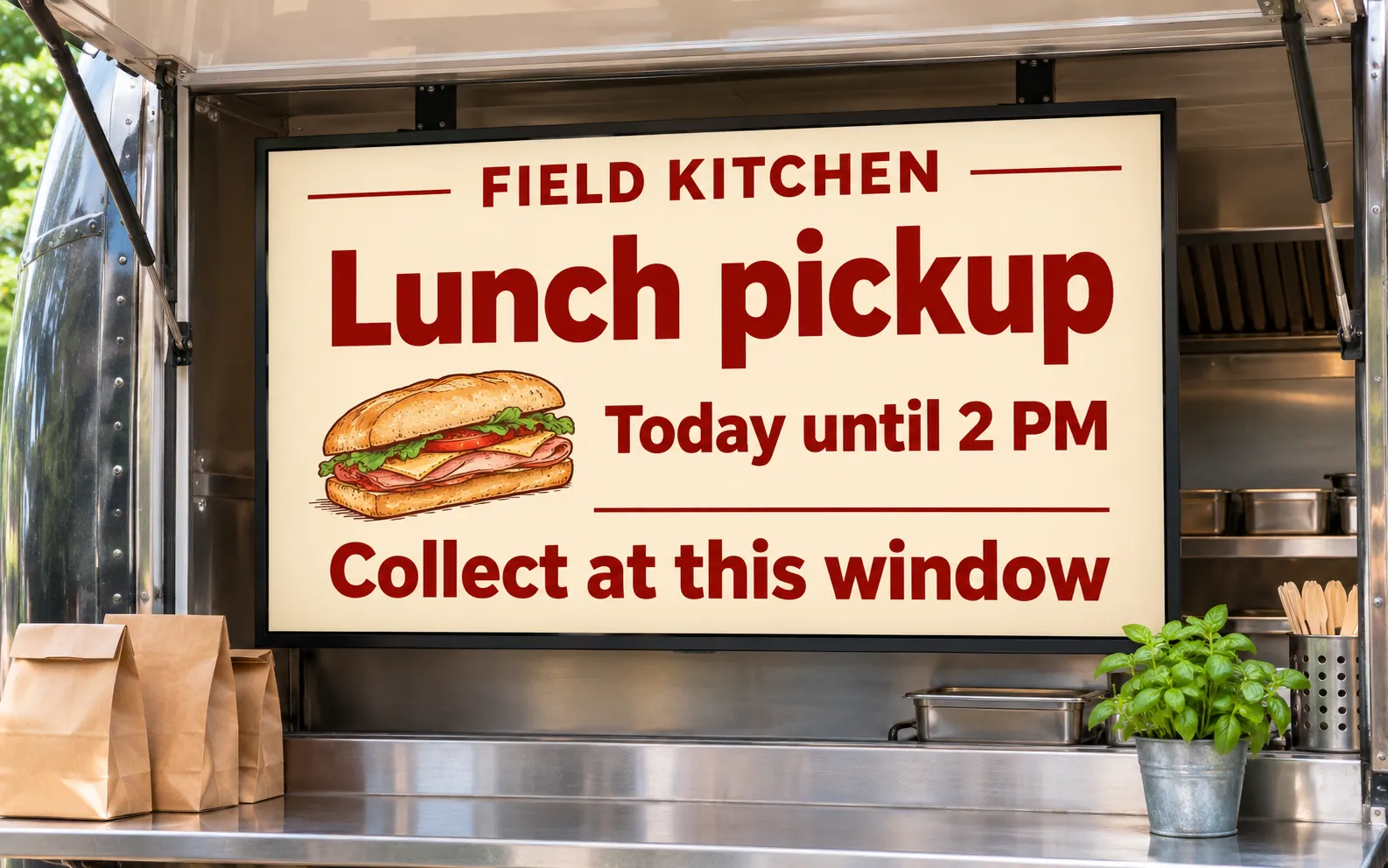
The daily menu
Show today’s short menu and prices in one view so the line can decide before reaching the window.
TV menus for food trucks
Use a TV at the service window for the daily menu, event specials, and one clear message customers can read before they reach the counter.
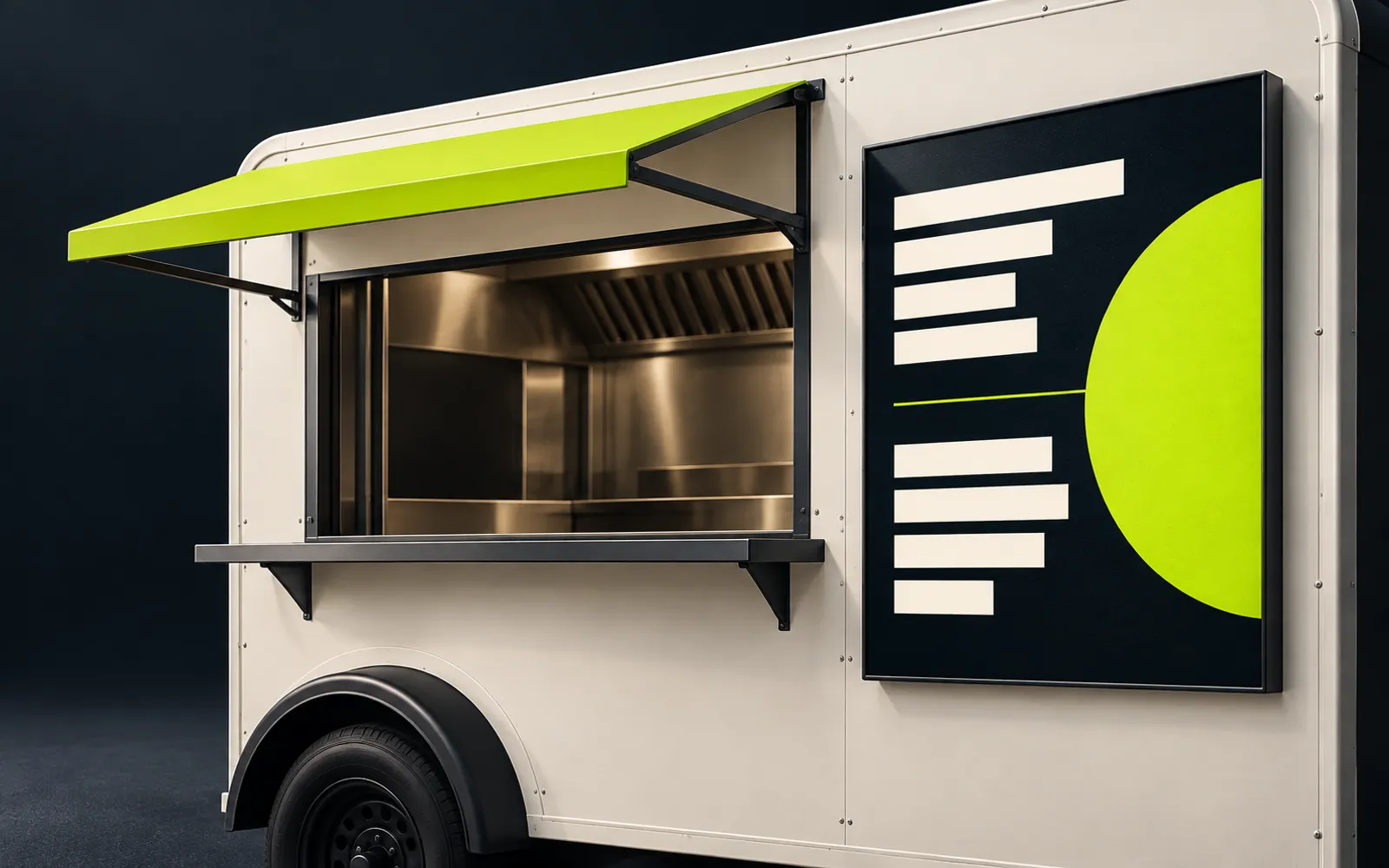
Your first screen
Take a photo of today's menu on your phone, or design one in Canva, PowerPoint, or Google Slides and export it as an image. Keep it bright, high-contrast, and short enough to read from the line.
Pick what to show
Take a photo on your phone, or design something in Canva, PowerPoint, Google Slides, or any editor and export it.
Upload it
Add it to TV Menus from your phone or computer.
Choose the TV
Pair the screen, select the image, and publish.
For outdoor use, screen brightness and weather protection matter as much as the image. Test the real TV in daylight.
Show today’s short menu and prices in one view so the line can decide before reaching the window.
Swap in a festival-specific offer, catering message, or high-margin combo without rebuilding the whole menu.
Change an item or price from a phone before the next customer reaches the window. No laptop in the truck.
Why TV Menus fits food truck operations