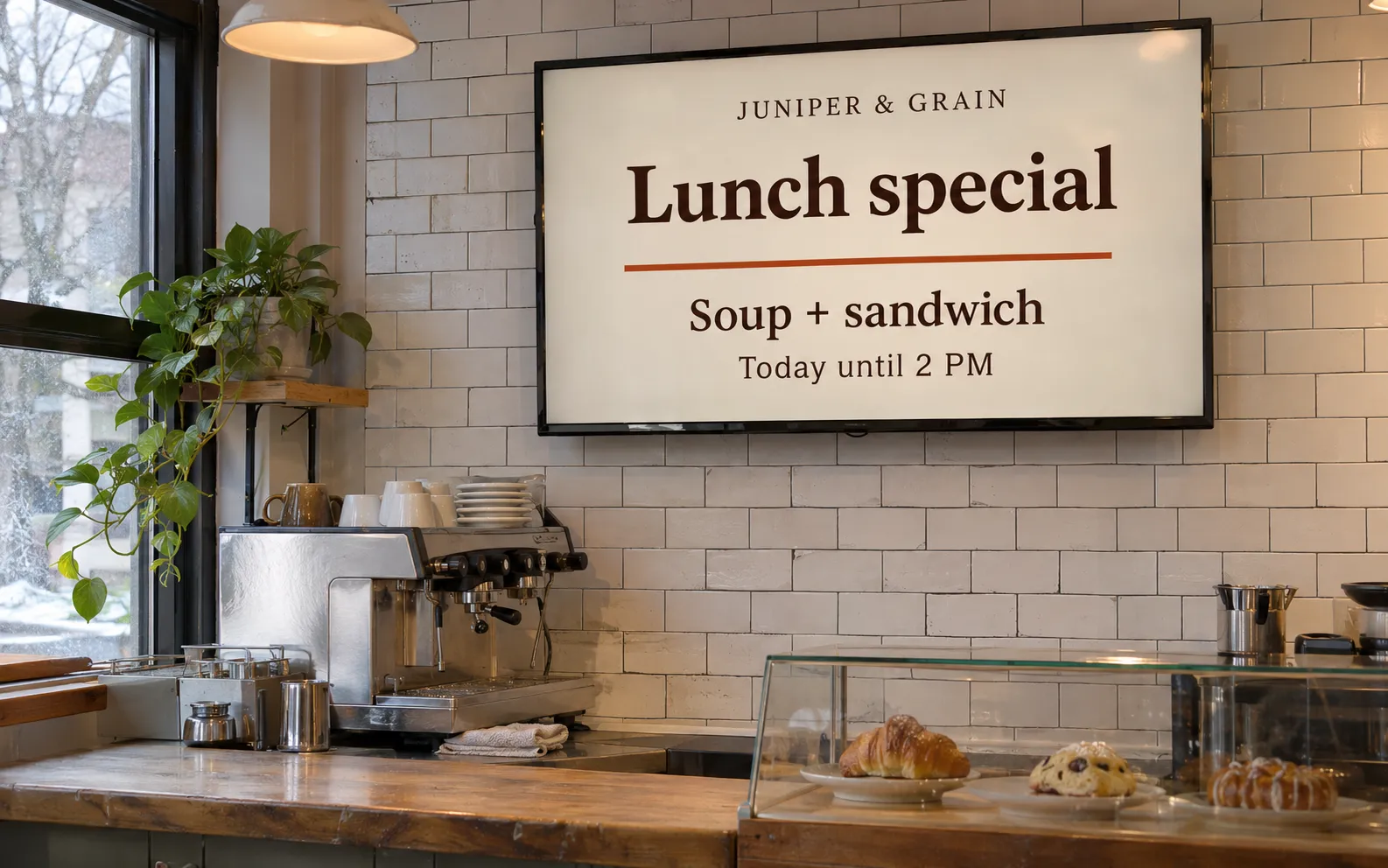
Entry & waiting area
Welcome guests, show the daily special, explain the wait, or point people toward pickup before they need to ask.
TV menu boards for restaurants
Use the TVs in a sit-down restaurant for lunch and dinner menus, daily specials, happy hour, pickup instructions, or a welcome screen, and change any of them without walking the floor.
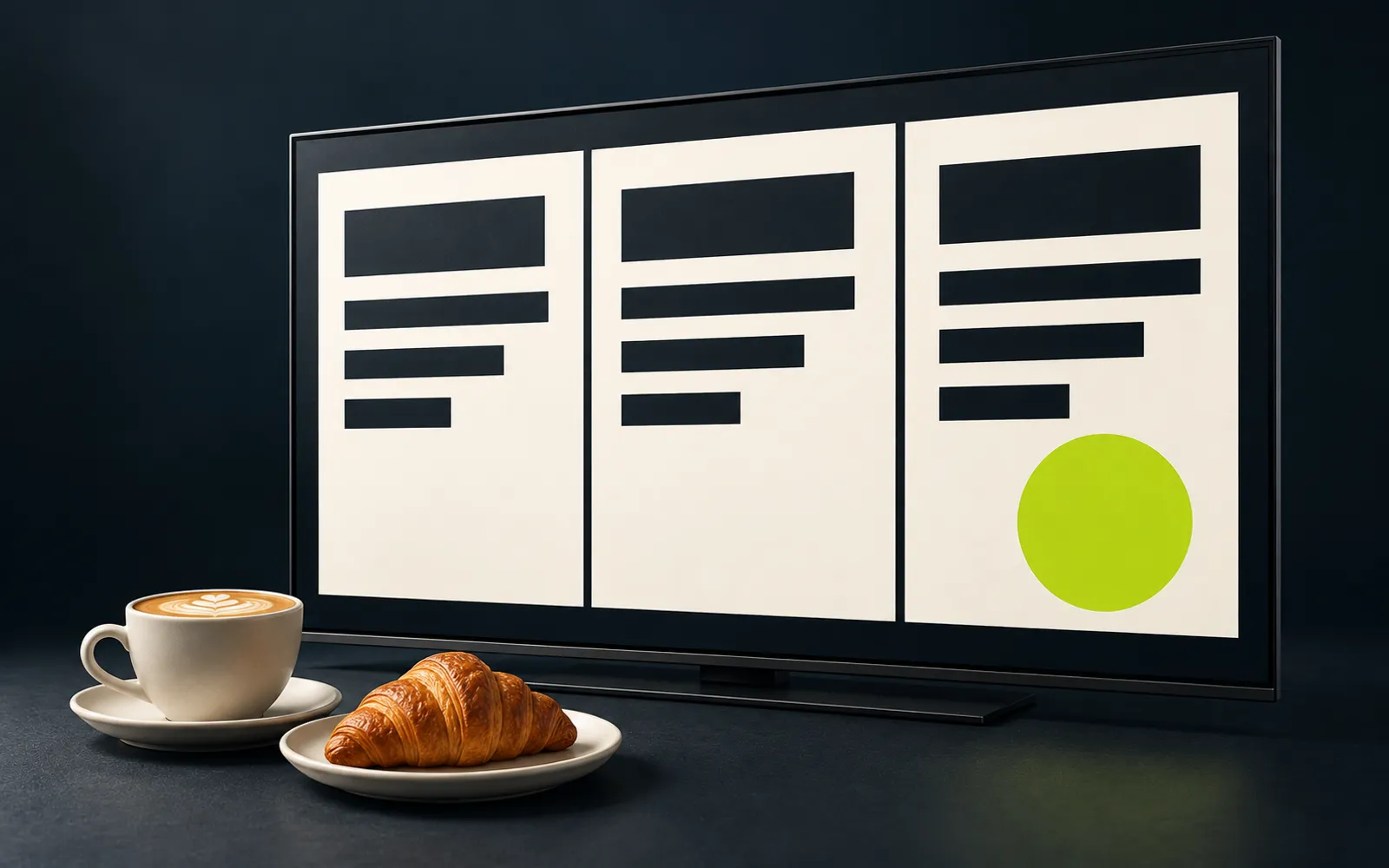
Your first screen
Take a photo of the menu you have, or design one in Canva, PowerPoint, or Google Slides and export it as an image. Keep the text large.
Pick what to show
Take a photo on your phone, or design something in Canva, PowerPoint, Google Slides, or any editor and export it.
Upload it
Add it to TV Menus from your phone or computer.
Choose the TV
Pair the screen, select the image, and publish.
Start with the information guests ask for most. You can add more screens and schedules later.
Welcome guests, show the daily special, explain the wait, or point people toward pickup before they need to ask.
Show cocktails, drafts, happy-hour pricing, and tonight’s event on the screen guests already look toward.
Keep takeout menus, pickup instructions, and seasonal offers clear during the dinner rush.
Why TV Menus fits restaurant operations